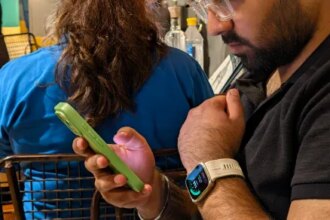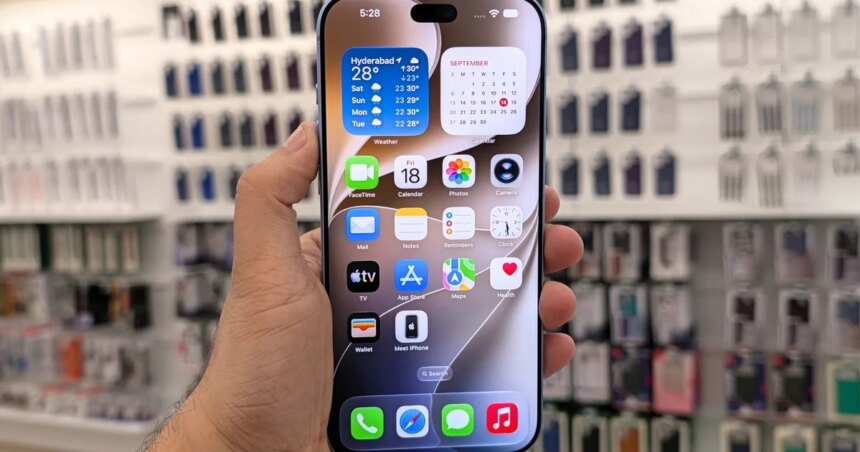
A roughly $7 circuit board can give an AI agent control of an iPhone without jailbreaking it. Developer Henry Yuan’s open-source ESP32 iPhone Agent connects a vision model to the phone through a board that pretends to be a USB mouse and keyboard.
Yuan’s examples include setting a repeating alarm and drawing a smiley face in a whiteboard app. Neither sounds especially ambitious, but the agent works through the phone’s interface without needing a separate integration for each app.
Google is also developing ways for AI agents to interact with Android apps. Yuan’s project approaches that goal through an external accessory.
How does AI control the iPhone
The agent watches the display through AirPlay screen mirroring and sends screenshots to a vision model, which chooses the next action. In the original version, a Mac or Linux computer receives the screen stream through software called UxPlay.
An ESP32-S3 board plugged into the iPhone carries out those commands. With Apple’s AssistiveTouch enabled, mouse clicks become taps and dragging becomes swiping. The model then checks the screen to see what changed before acting again, giving it visual feedback as it navigates between screens.
What does the setup require
The roughly $7 price covers the tested Seeed Studio XIAO ESP32S3 board. USB-C iPhones connect directly, while Lightning models need a Lightning to USB Camera Adapter. A compatible vision model supplies the decisions, with potential costs depending on the service.

Whether a computer needs to stay connected depends on the version. Yuan’s newer design runs the agent through an iPhone app and lets the board receive the mirrored screen. It doesn’t need a computer during operation, although initial setup still requires a Mac with Xcode. The original computer-based version remains available.
What can it actually do
The examples show individual tasks working, but they don’t establish reliability across every app. The newer version takes a few seconds per step, so navigating an app involves waiting between actions. Landscape apps aren’t supported yet.
The agent also can’t see everything on the phone. iOS keeps screens such as passcode entry and Apple Pay out of the mirrored feed. Locking the phone stops mirroring altogether, cutting off the visual feedback the agent needs to continue.