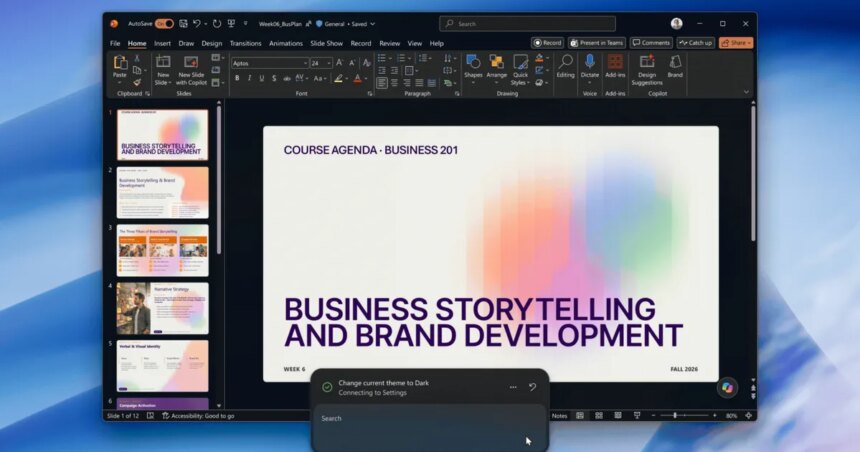
I’ve typed a setting name into Windows Search countless times, only to be pointed toward a menu. That is changing.
Microsoft is turning Windows Search from a basic finder into something that completes tasks or helps you do them in the Search interface. Starting October 7, 2026, Windows Insiders who test early builds can type “turn on Bluetooth,” and Windows will do it.
What can Windows Search actually do now?
Inline actions in the new Windows Search experience let you finish a task where you searched, without opening Settings or another app. Using the new feature, you can mute your PC (though there’s a button for it), toggle dark mode directly in the Search menu without going through a couple of menus, dim the screen, or tidy open windows.
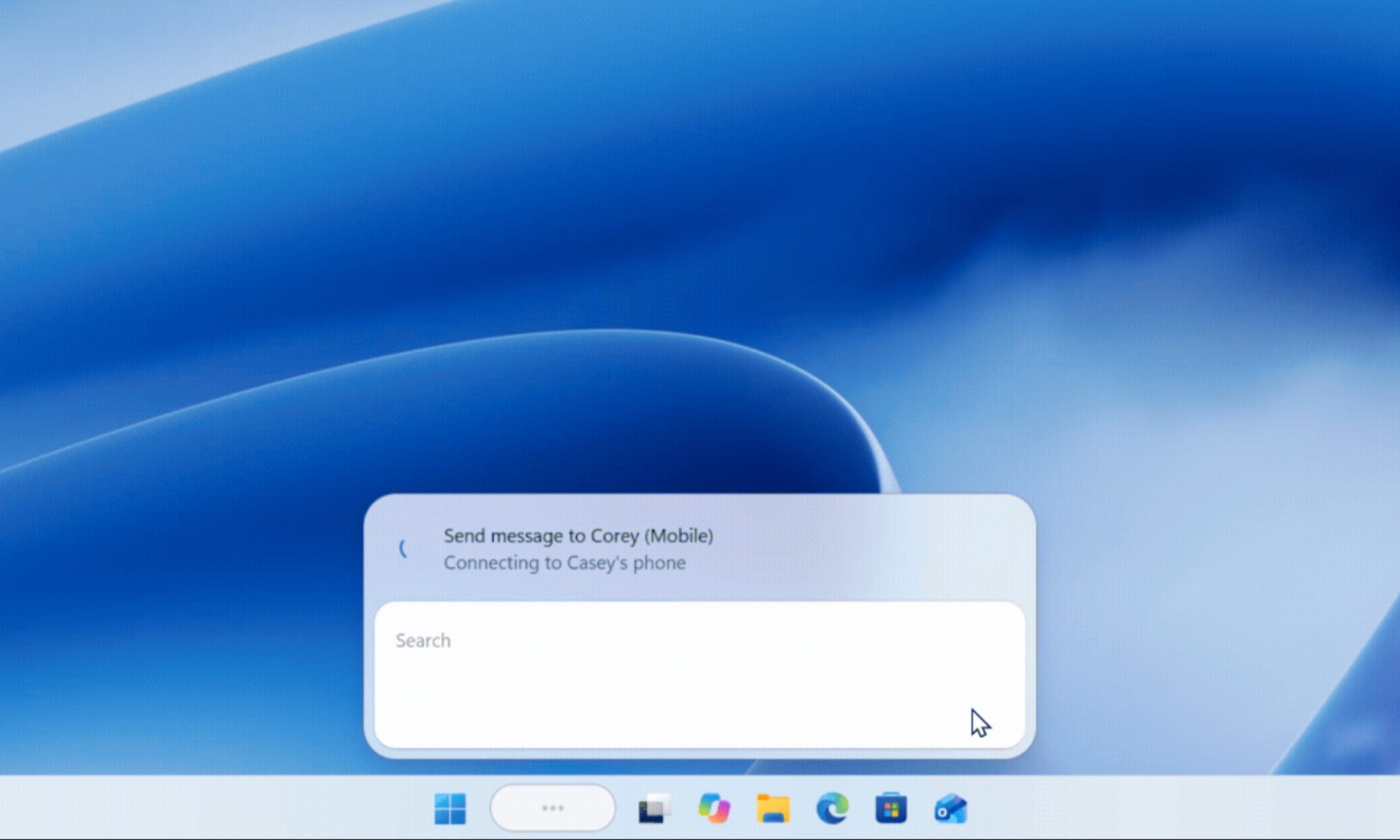
Texting from a paired phone is also a part of the elaborate list of capabilities, but it’s listed as “coming soon.” From my vantage point, Microsoft is starting with familiar chores, which I feel is the right call.
The new Search experience is based on WinUI 3, Microsoft’s modern Windows interface toolkit. In early tests, the company claims big speed and memory gains.
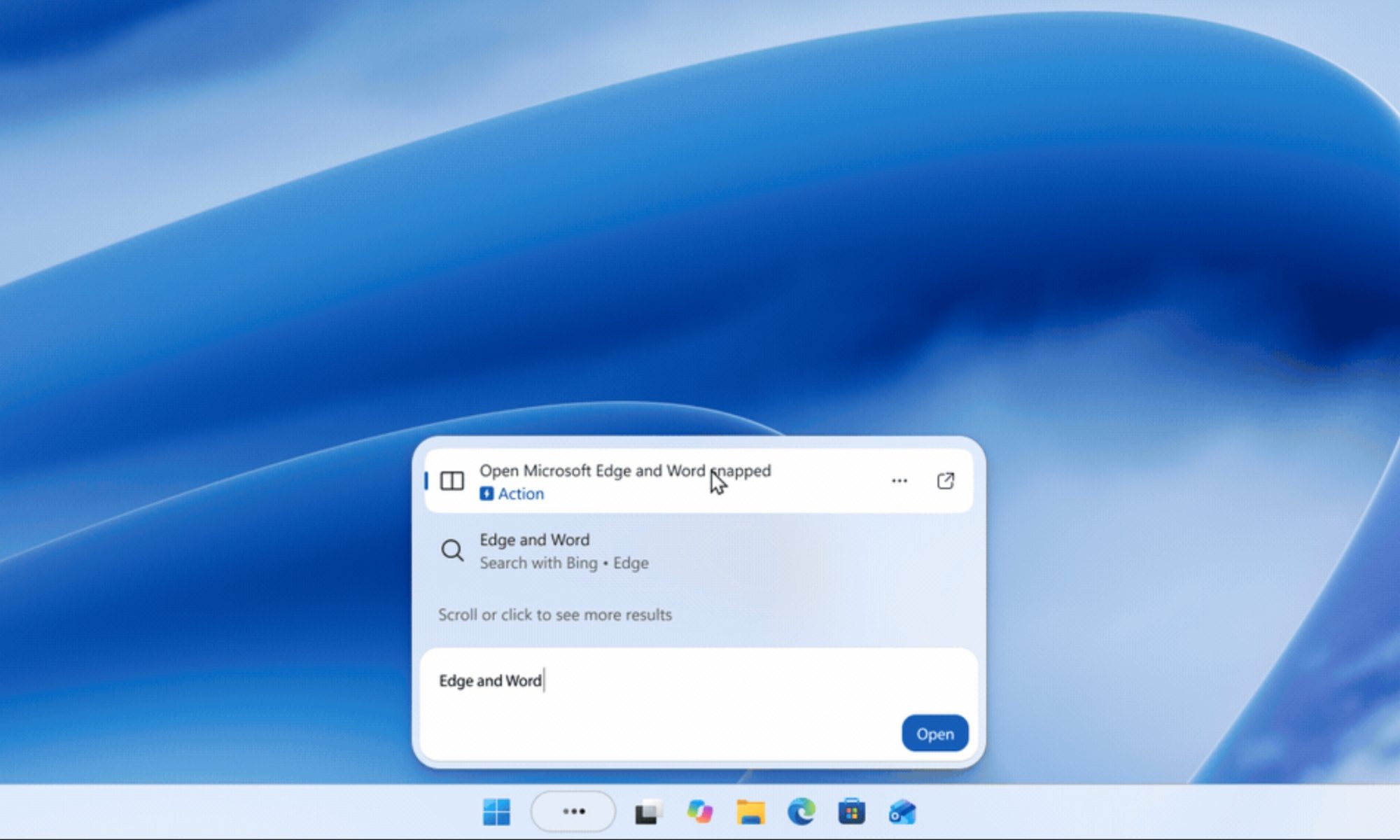
What else changed, and how do you try it?
The new search is English-only and available on the taskbar for Windows Insider in the Experimental channel (build 26340.9616 or 28120.3181). While it is gradually rolling out by default, you can preview it sooner by going to Settings > Windows Update > Windows Insider Program > Feature flags, then enabling New Windows Search Experience.
Microsoft isn’t the only software giant that is making such changes. Apple has already turned Spotlight into an agent-like tool on macOS 27. By integrating Siri AI into Spotlight, it not only lets users ask questions and find personal information but also take actions across different apps without leaving Spotlight.
Later this year, we’ll also get inline file previews, rich web previews, category filters, and smarter search understanding. Moreover, the Windows search box is becoming an interface for action, not just a place for discovery.
RELATED COVERAGE: